Skin modding tool for BeamNG.drive
CRAFT
YOUR
BEAMNG
SKINS
A desktop application that makes creating, managing, and packaging custom vehicle skins for BeamNG.drive simple — no manual file editing required.
Total Downloads
—
Windows
—
Linux
—
Click to enlarge
Videos
 Video 2
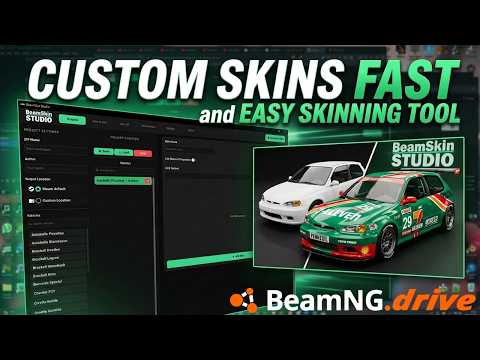 Preview
 Video 3
 Screenshots
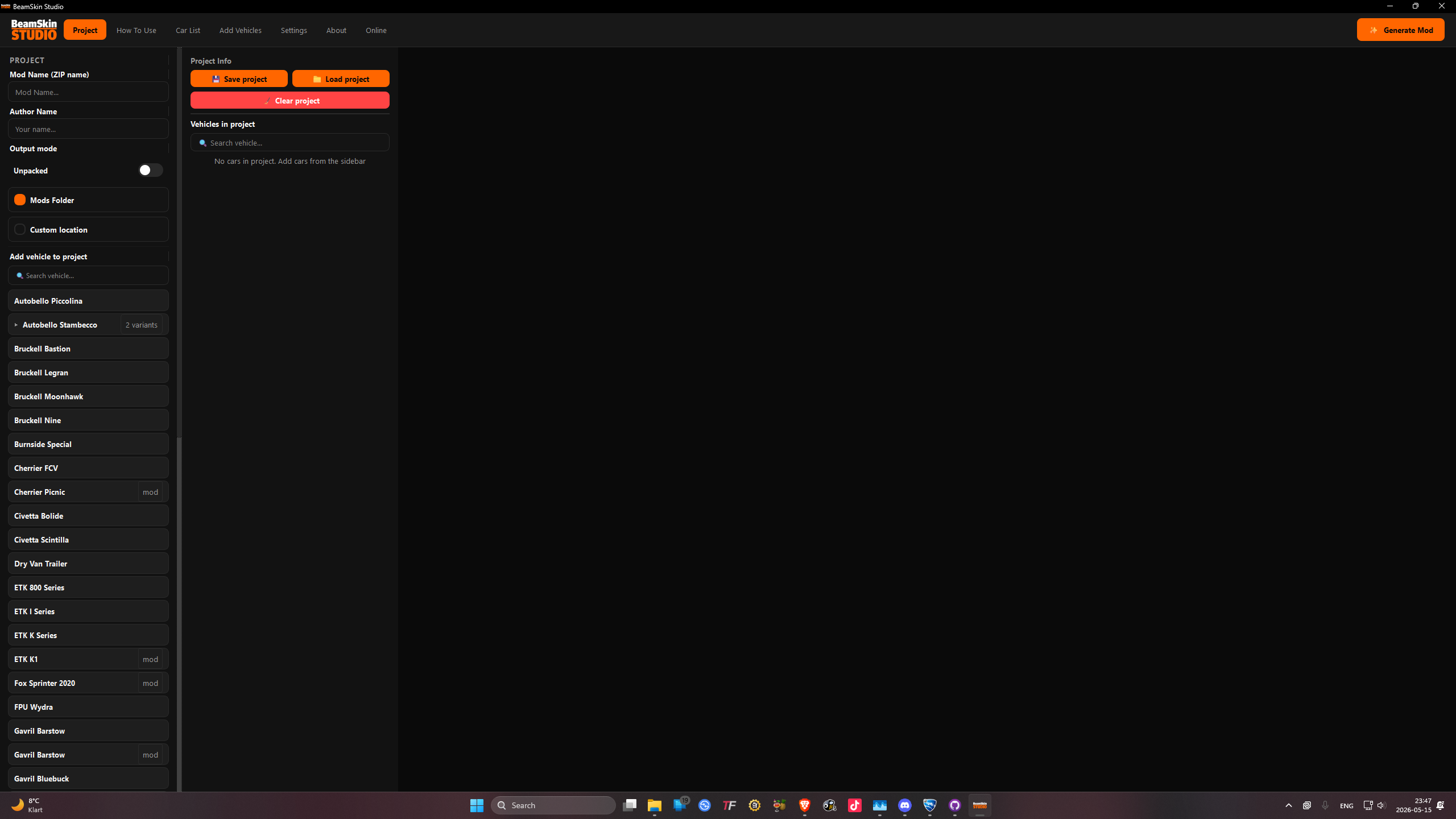 Project Tab
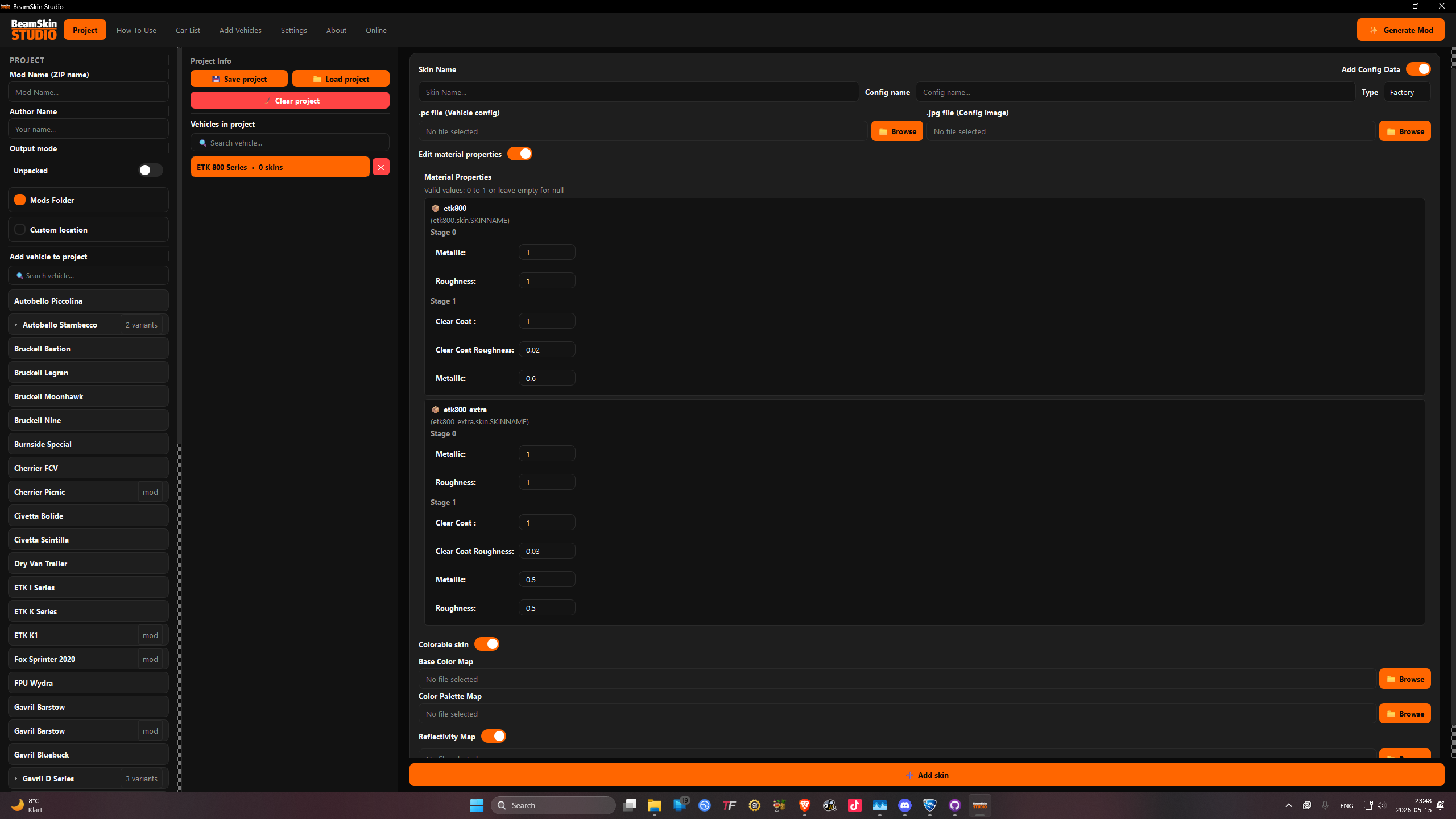 Skin Editor
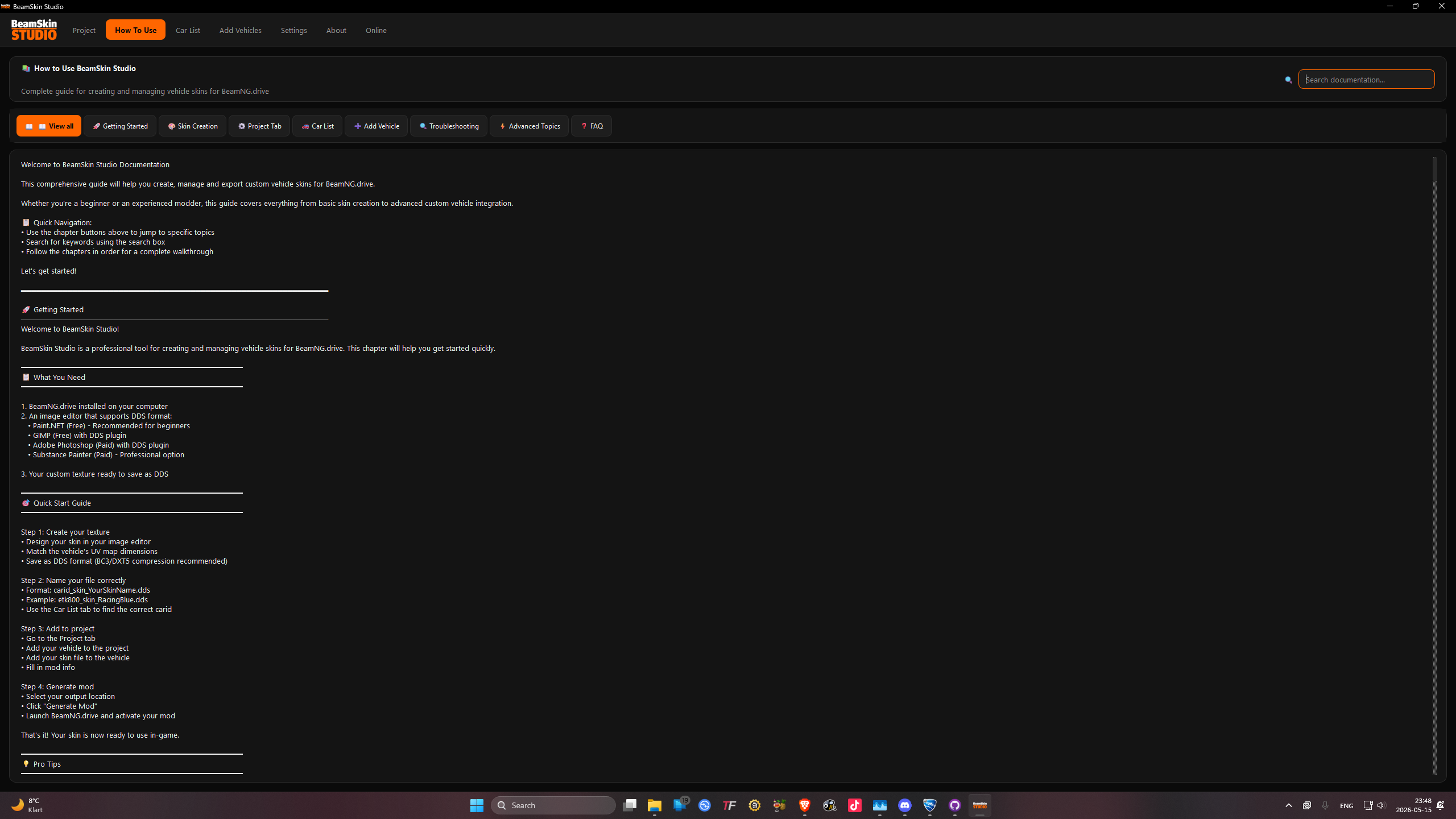 How To Use
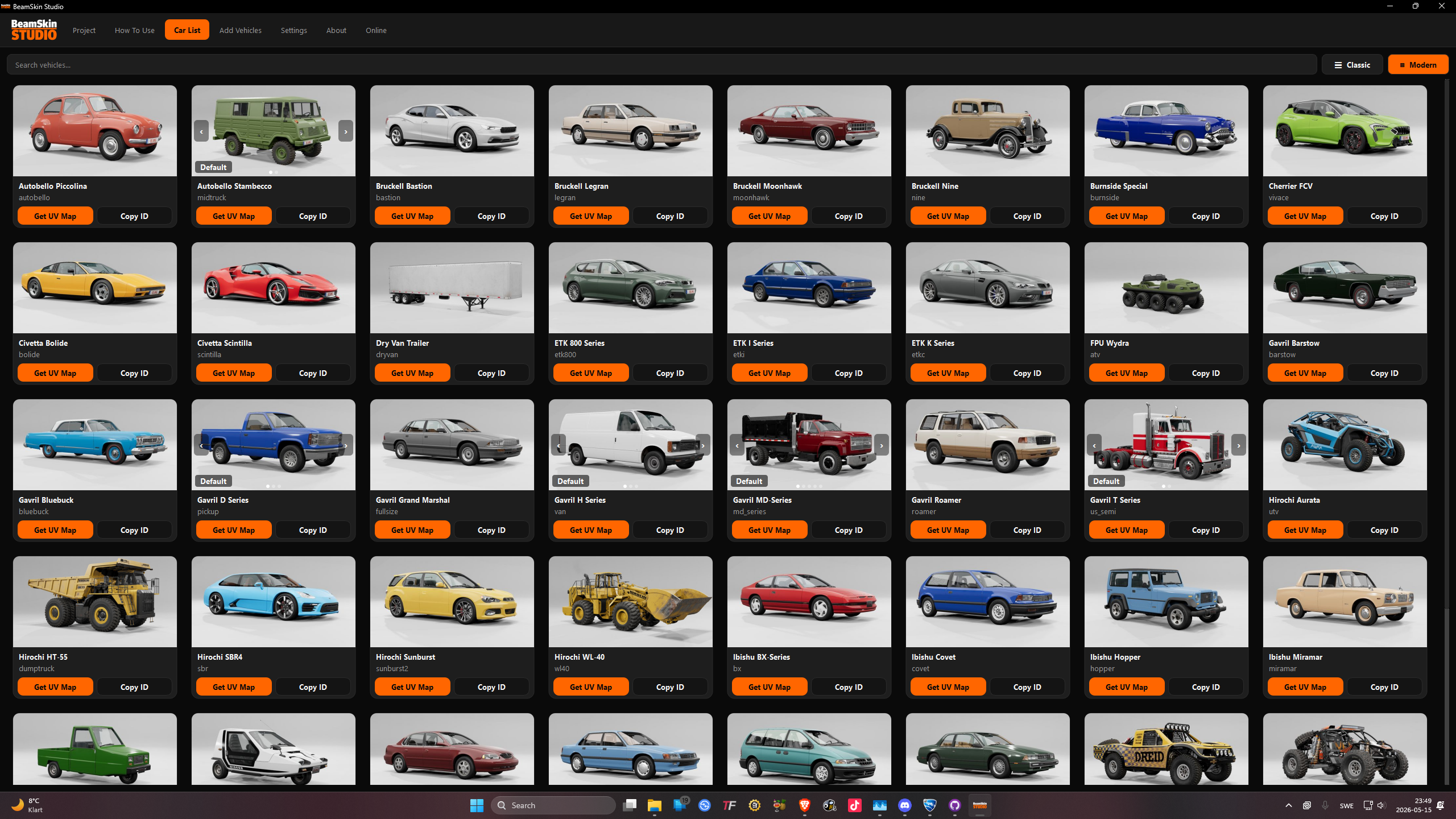 Car List
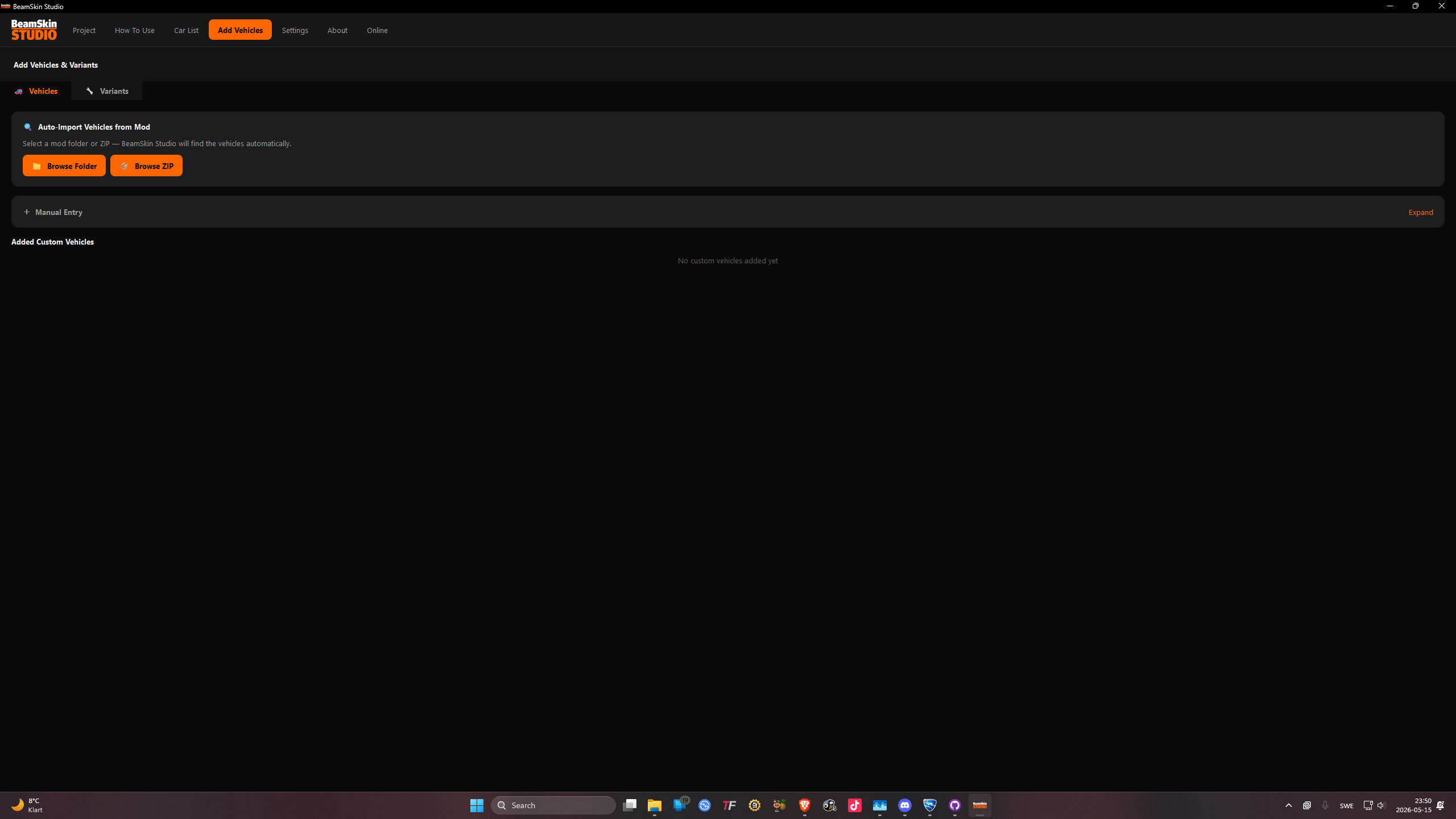 Add Vehicles
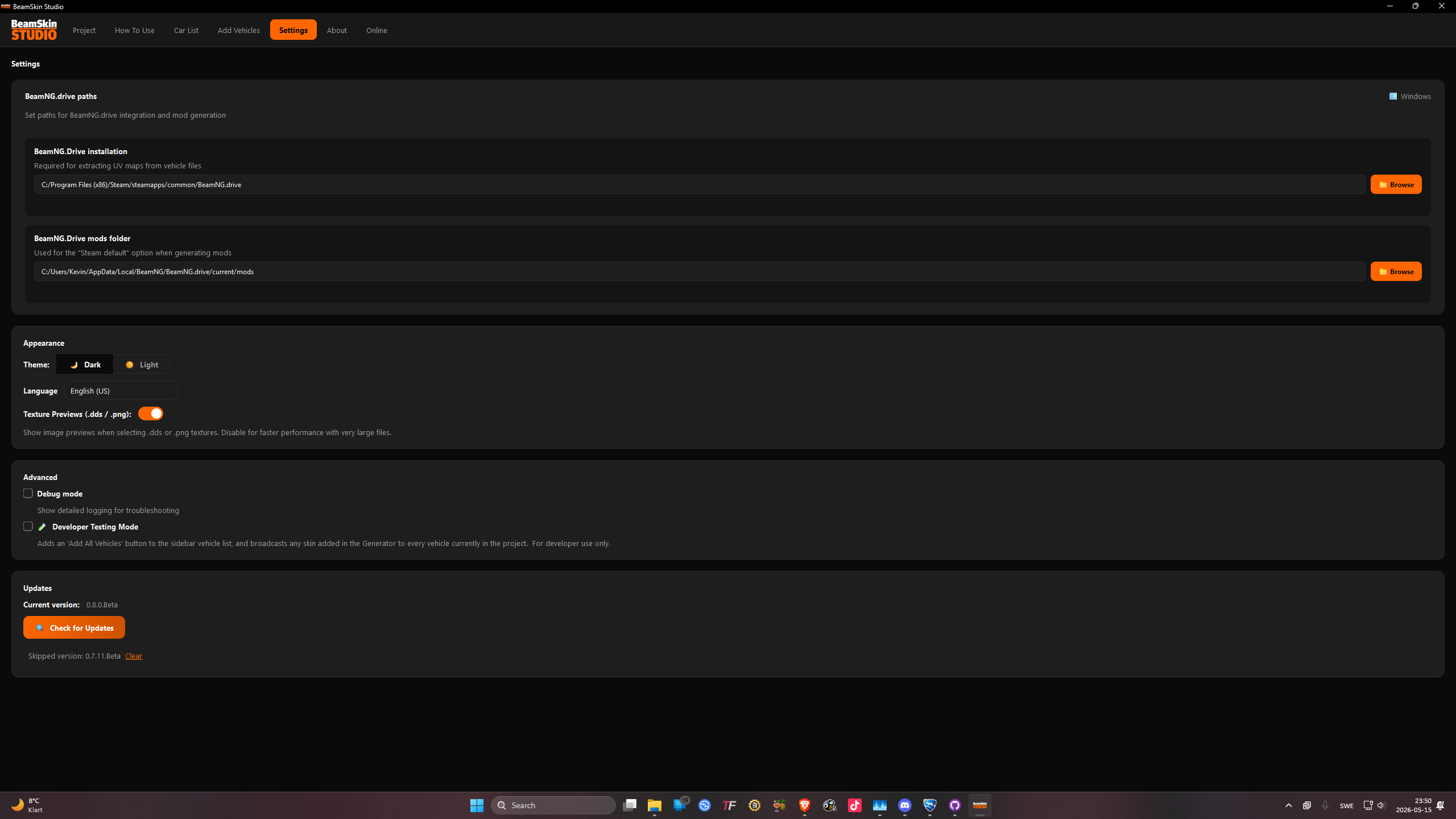 Settings
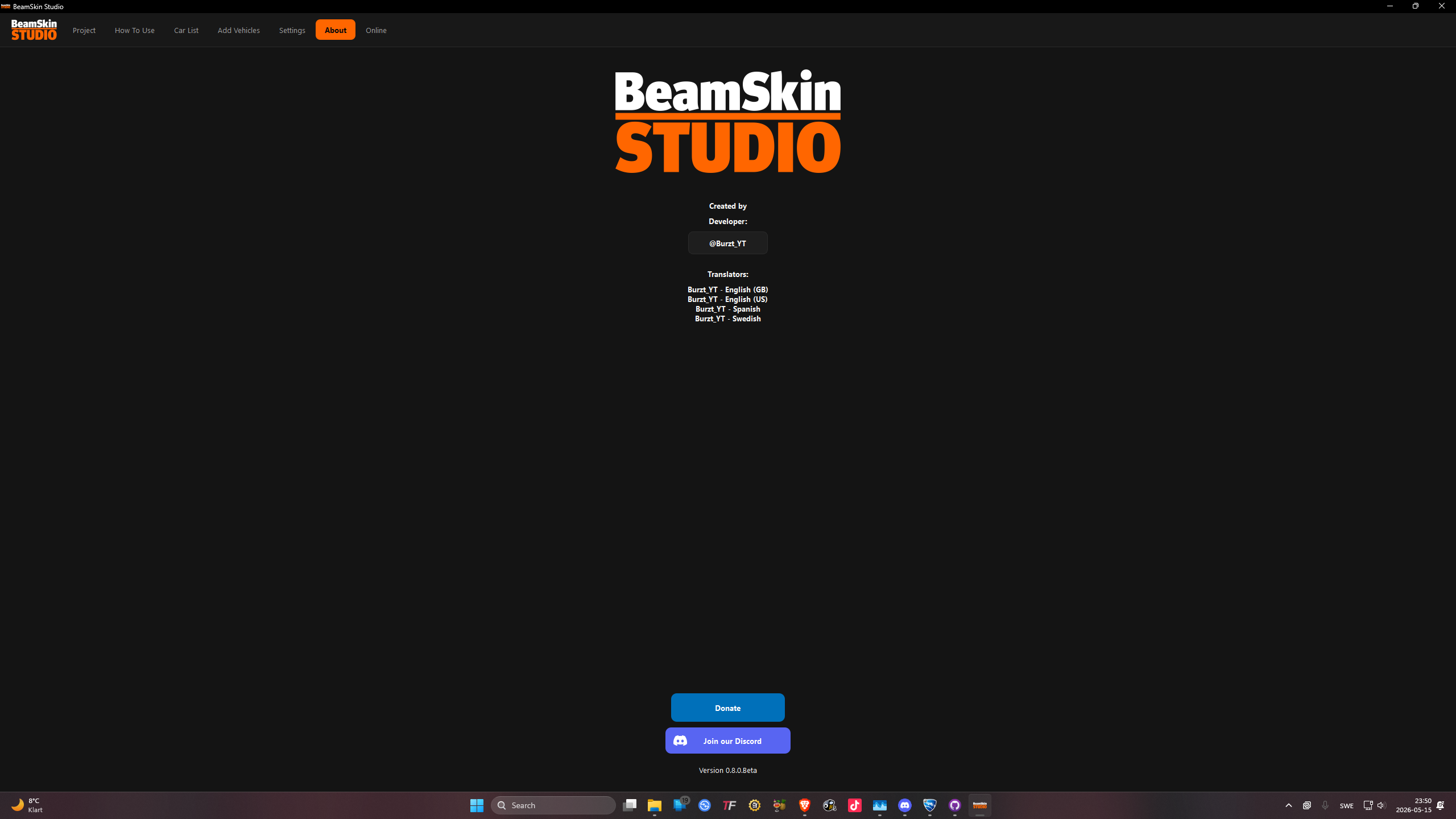 About
About What's Included
Auto Update Checker
Checks GitHub for newer versions on every startup and notifies you instantly.
Colorable Skins
Select a base color PNG and palette map — BeamSkin handles the blending automatically.
Material Editing
Adjust metallic, clearcoat, and surface properties through a clean interface.
Multi-Language
Switch UI language at any time from the settings — no restart required.
Mod Support
Skin custom vehicles from supported mods — coverage expanding with each release.
Saved Configurations
Bundle an in-game vehicle configuration into your mod, with optional preview image.
Save / Load Projects
Save your skin setup as a project file and reload it exactly where you left off.
See All Features
View the full list and what's coming in v0.8.0 Beta.
Community
CURRENT FEATURES
Everything available in the current release of BeamSkin Studio.
Automatic Update Checking
On every startup BeamSkin Studio checks GitHub for a newer version and notifies you if one is available.
Mod Support
Basic mod support is included, allowing custom vehicle skins from supported mods — coverage is still expanding.
Colorable Skins
When enabled, select a base color PNG and a color palette map — BeamSkin Studio takes care of the rest automatically.
Material File Editing
Adjust material values such as metallic, clearcoat, and other surface properties through a simple interface.
Saved Configurations
Bundle a saved in-game vehicle configuration into your mod, optionally with a preview image.
Multiple Languages
The interface supports multiple languages — switch at any time from the settings panel without restarting.
Save / Load Projects
Save your current skin setup as a project file and reload it later to pick up exactly where you left off.
PySide6 Interface
Built on Qt via PySide6, providing a modern, responsive interface with better cross-platform compatibility.
Linux Support
A Linux build is available alongside the Windows version. Untested
Reflective Map Support
Add a reflectivity map to your skin, making specific areas reflective — perfect for police car decals, chrome accents, and other shiny surfaces.
Body Variant Support
Create skins for vehicle body variants including bus, cargo, box truck, and ambulance configurations.
Unpacked Mod Export
Export your mod as a plain folder instead of a ZIP — useful for testing or editing the mod directly without extracting it first.
Auto Add Mods
BeamSkin Studio can automatically add your mods and find the correct files — no more manually hunting through mod folders for the right files.
Smart Config Browsing
When browsing for
.pc and .jpg config files, the picker opens directly in that vehicle's config folder if it exists.INSTALLATION GUIDE
Get BeamSkin Studio running in minutes on Windows or Linux.
01
Download
Click the Windows Download button on the Home tab to grab the latest release ZIP from GitHub.
02
Extract ZIP
Right-click the downloaded ZIP and choose Extract All. Pick any folder.
💡 Avoid paths with spaces —
C:\Tools\BeamSkin works great.03
Run Install.bat
Open the extracted folder and double-click
Install.bat. It installs all required dependencies automatically.⚠️ If SmartScreen appears, click More info → Run anyway. False positive — common with Python apps.
04
First Launch
Once installation finishes, BeamSkin Studio launches automatically for the first time.
05
Future Launches
Use
BeamSkin Studio.bat from now on — it skips the installer for a faster startup.💡 Create a desktop shortcut to this .bat file for quick access.
Linux — heads up: The Linux version is untested and may have issues. Report them on the Linux GitHub Issues page. Supports Ubuntu/Debian, Fedora/RHEL, Arch/Manjaro, and openSUSE.
01
Download
Click the Linux Download button on the Home tab.
02
Extract ZIP
Use your file manager or:
unzip BeamSkin-Studio-Linux-*.zip03
Run Installer
Open a terminal in the extracted folder:
Installs Python 3, pip, tkinter, and all required packages.
chmod +x install_linux.sh./install_linux.shInstalls Python 3, pip, tkinter, and all required packages.
⚠️ May prompt for your sudo password — this is expected.
04
First Launch
The installer will ask to launch immediately. Type y and Enter, or run anytime with:
./beamskin_studio.sh Optional — Desktop Shortcut
Optional
Edit .desktop File
Open
beamskin-studio.desktop in a text editor. Replace both /path/to/BeamSkin-Studio placeholders with your actual path.💡 Run
pwd inside the folder to see it. Optional
Install Shortcut
Copy it so it appears in your app launcher:
cp beamskin-studio.desktop ~/.local/share/applications/ Optional
Future Launches
Search for BeamSkin Studio in your launcher, or use:
./beamskin_studio.sh01
Install Python
Download Python 3.9+ (3.12 recommended) from python.org.
⚠️ Check "Add Python to PATH" before clicking Install Now.
02
Open a Terminal
Open Command Prompt or PowerShell (Linux: your terminal). Navigate to the BeamSkin Studio folder with
cd.💡 In Windows Explorer, type
cmd in the address bar inside the folder.03
Install Dependencies
Run to install all required packages:
pip install -r requirements.txt💡 If
pip isn't found, try python -m pip install -r requirements.txt. What Gets Installed
PySide6 ≥ 6.5.0
Qt-based GUI framework powering the entire interface.
Pillow ≥ 10.0.0
Image processing library for skin texture manipulation and colorable skin generation.
requests ≥ 2.31.0
HTTP library for the update checker and online features.
pywin32 ≥ 306
Windows-only. Improves taskbar icon grouping and file dialog integration. Skipped on Linux.
Linux note — PySide6 bundles its own Qt libraries so no system Qt is needed. You may need
libGL for rendering: sudo apt install libgl1 (Debian/Ubuntu) · sudo dnf install mesa-libGL (Fedora) · sudo pacman -S mesa (Arch)Antivirus / Windows Defender warnings
Virus scanners including Windows Defender, Windows SmartScreen, and third-party antivirus may flag the app — this is a false positive common with Python applications.
• On SmartScreen: click More info → Run anyway.
• In your antivirus: add the BeamSkin Studio folder as an exception / exclusion.
• On SmartScreen: click More info → Run anyway.
• In your antivirus: add the BeamSkin Studio folder as an exception / exclusion.
ModuleNotFoundError on launch
A missing module means the installation didn't complete correctly.
• Windows: Re-run
• Linux: Re-run
• Windows: Re-run
Install.bat and let it finish. Launch via BeamSkin Studio.bat, not main.py.• Linux: Re-run
./install_linux.sh and check for errors. Or install manually: pip install --user <package-name>.Linux: tkinter not found / GUI fails to open
tkinter must be installed separately on Linux:
• Ubuntu/Debian:
• Fedora/RHEL:
• Arch/Manjaro:
• openSUSE:
• Ubuntu/Debian:
sudo apt install python3-tk• Fedora/RHEL:
sudo dnf install python3-tkinter• Arch/Manjaro:
sudo pacman -S tk• openSUSE:
sudo zypper install python3-tkLinux: permission denied when running scripts
The shell scripts need execute permission before they can run:
Then run them with
chmod +x install_linux.sh beamskin_studio.shThen run them with
./install_linux.sh or ./beamskin_studio.sh.Everything keeps failing — fresh start
If repeated fixes don't help, do a clean reinstall:
1. Delete the downloaded ZIP and the extracted folder entirely.
2. Re-download a fresh copy from the Home tab.
3. Extract to a new location and run the installer again.
1. Delete the downloaded ZIP and the extracted folder entirely.
2. Re-download a fresh copy from the Home tab.
3. Extract to a new location and run the installer again.
Other errors or bugs
Please submit a report on GitHub — include any error messages or console output:
Windows Issues · Linux Issues
Windows Issues · Linux Issues
ALL RELEASES
Complete release history for Windows and Linux builds.
Loading releases…
Loading releases…
CHANGELOG
Loading… Loading changelog…